
HOTEL VISUAL
See what AI Retouch can do.
Explore the original photos and actual results, from bedding and lighting to multi-photo stitching.
01 / Professional Retouch
Good photos, ready for a better listing
The source already has straight architectural lines. AI refines bedding, curtains, exposure and color, and adds the bedside lamp shown in this example.
Try it yourself
Start with a sharp photo and describe the details you want to refine. Compare furniture and fixtures before marking the result ready.
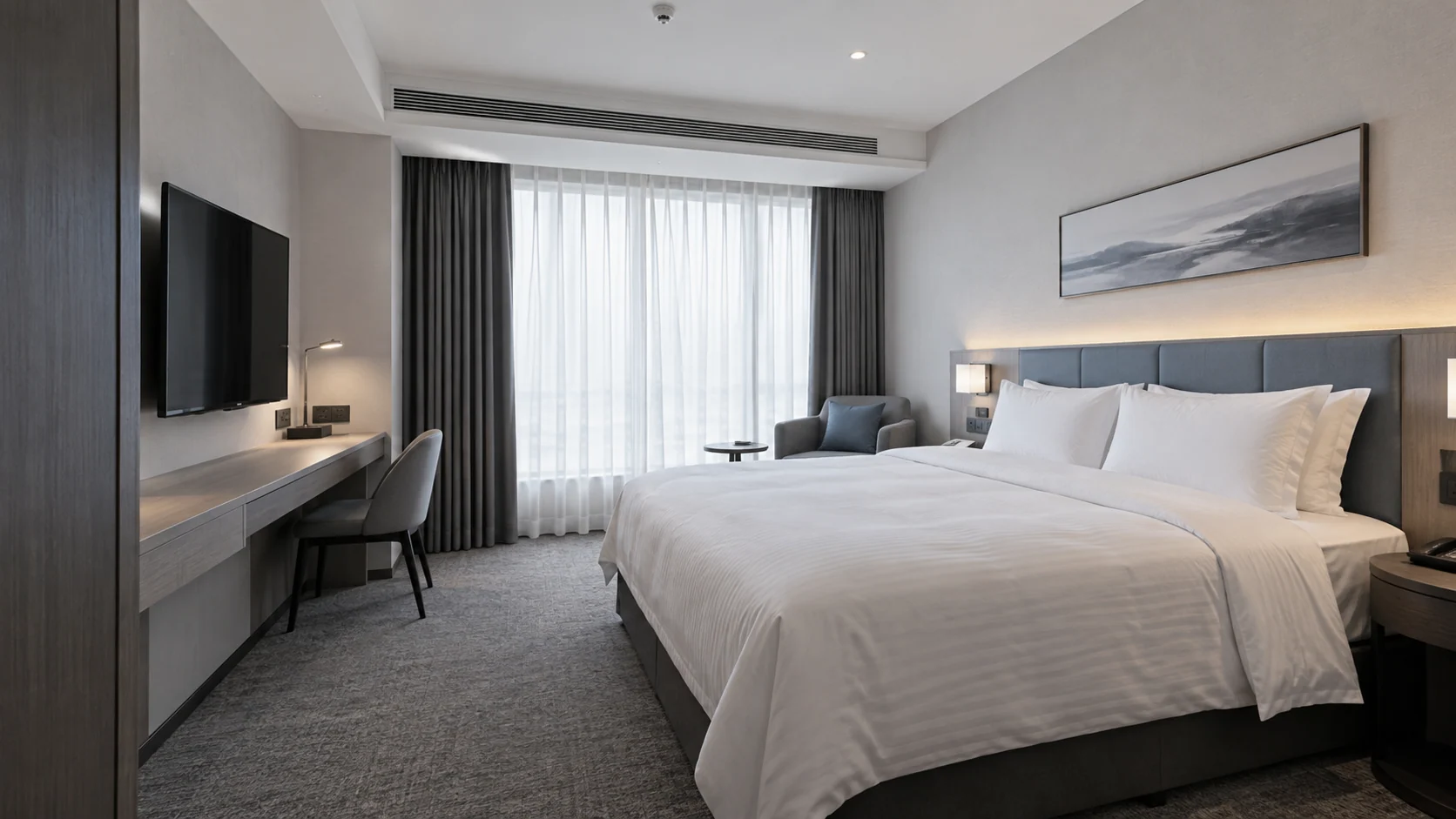
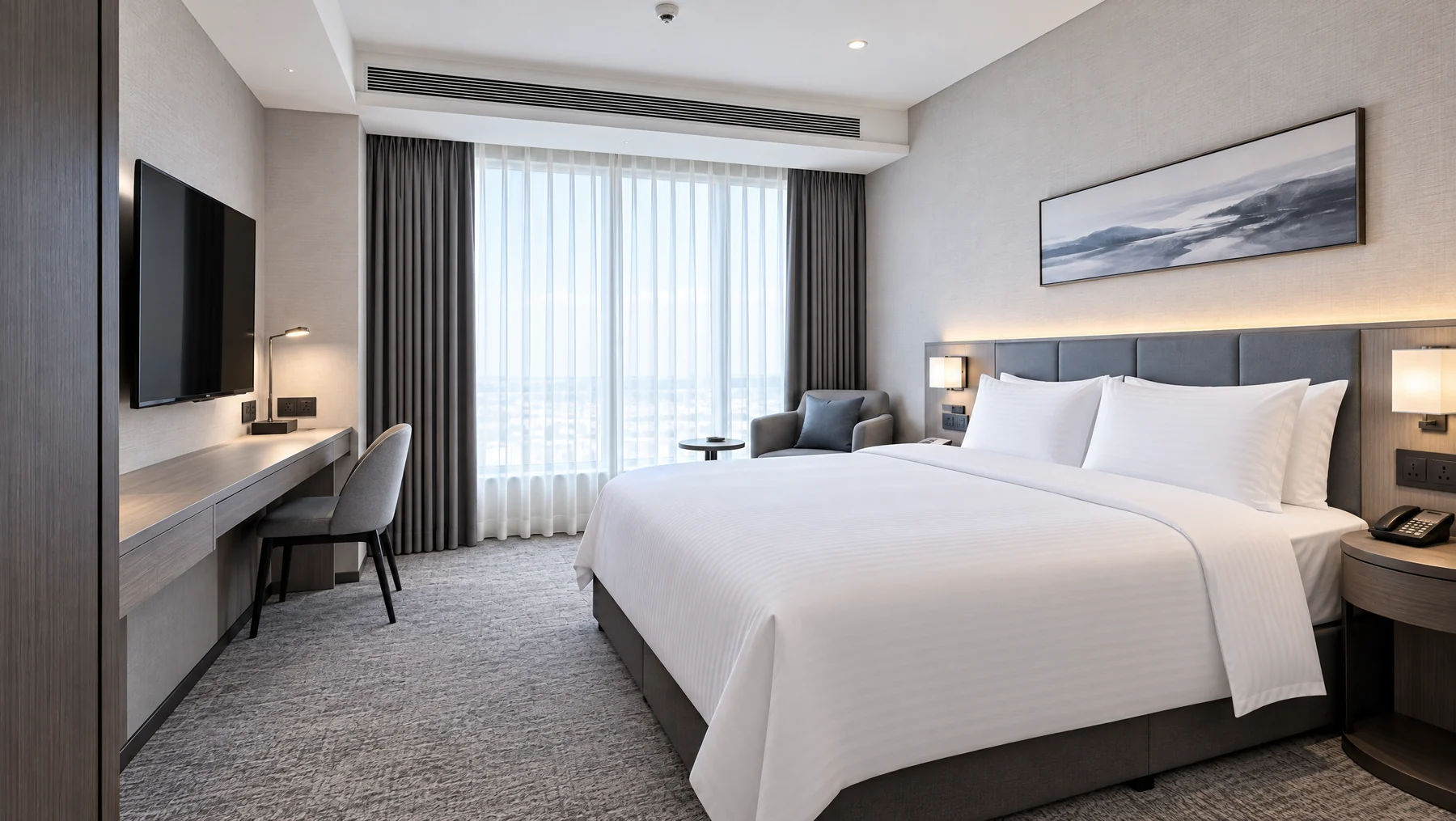 Original photo
02 / Phone Photo Correction
Straighten a tilted phone photo
An untidy guest room, captured casually at a tilted angle. Retouching corrects perspective, tidies bedding and removes clutter for a brighter, neater space.
Try it yourself
Use a clear source photo with as much of the room visible as possible. Check the crop and proportions after correction.
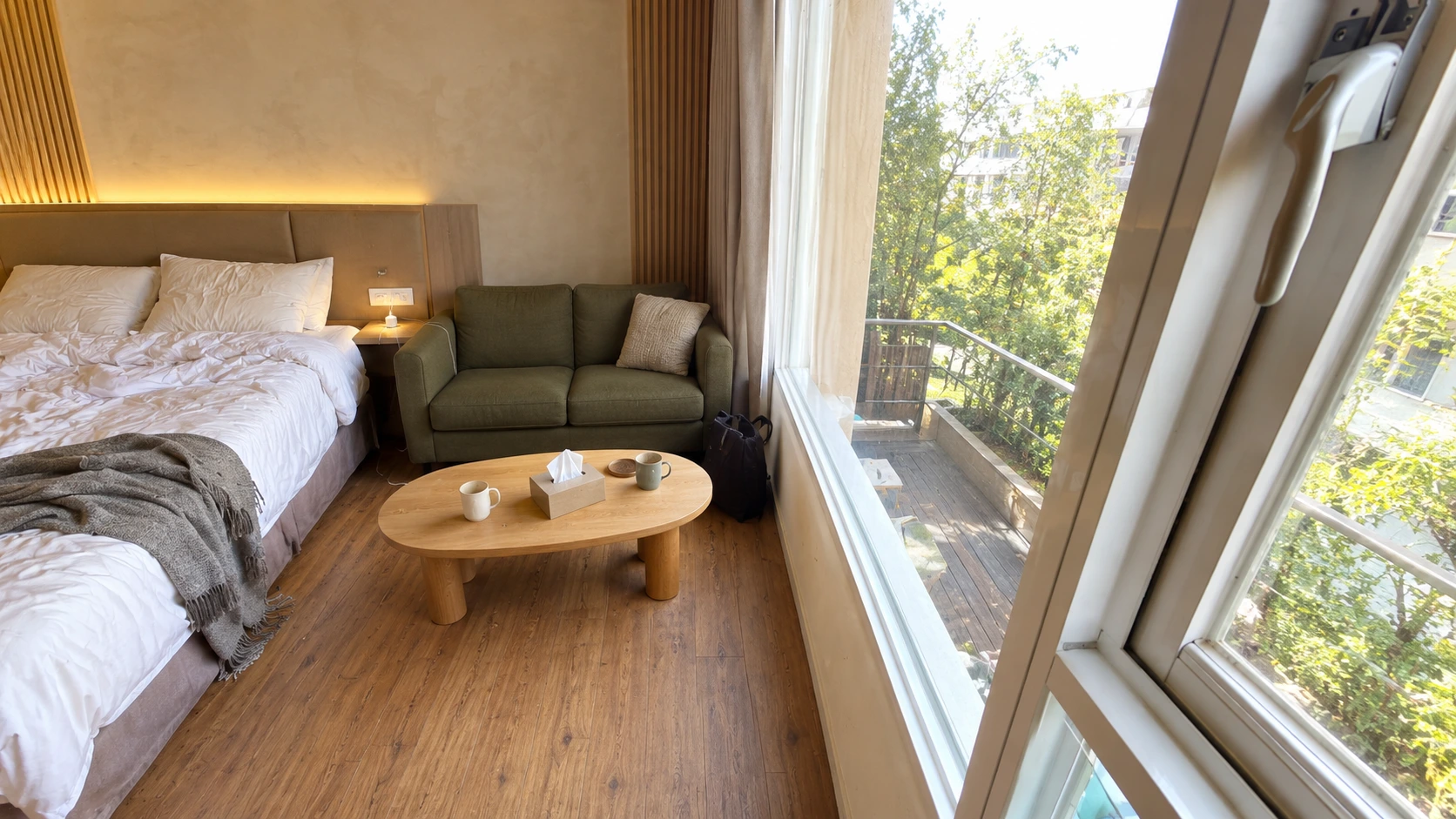
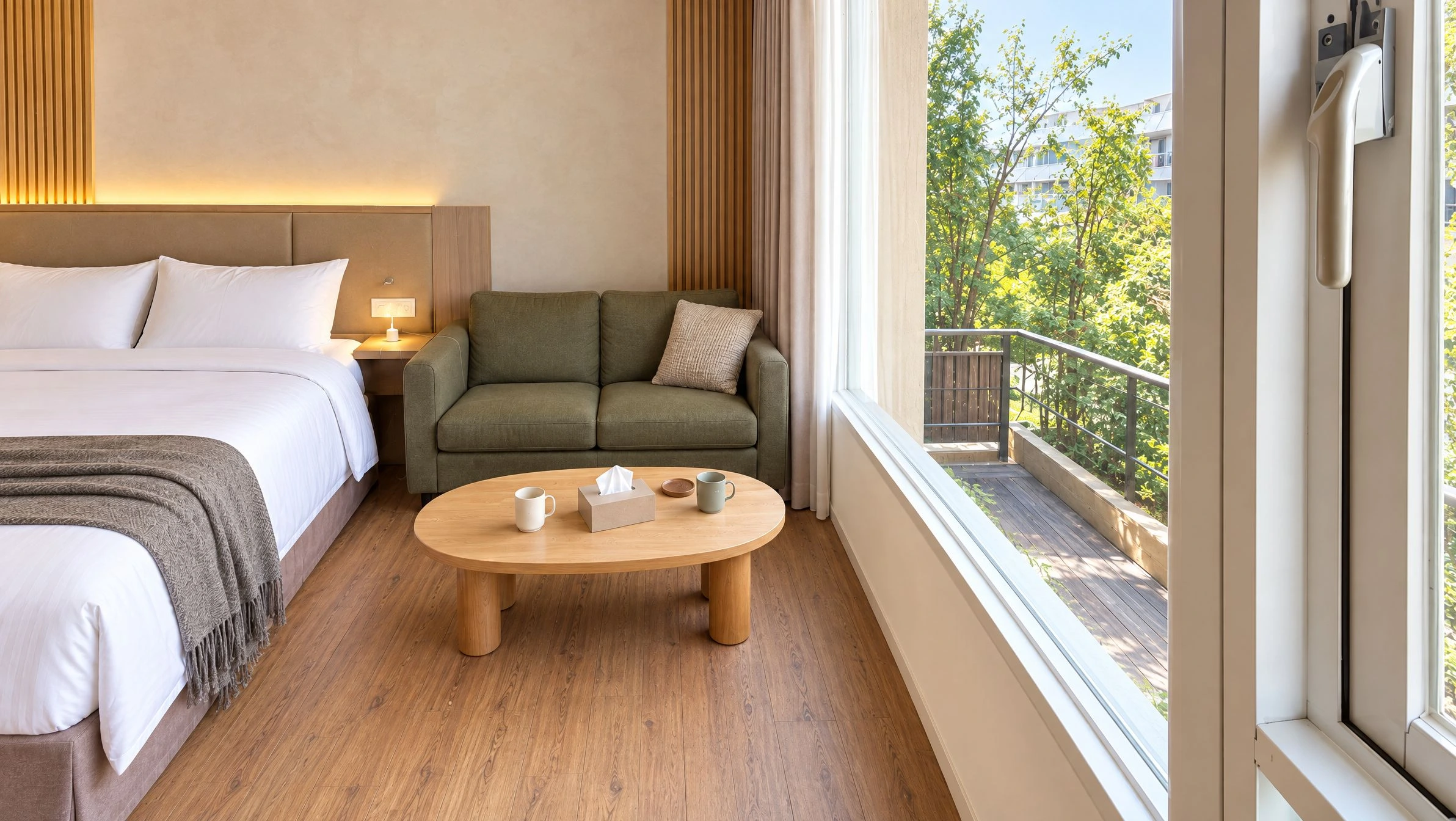 AI-generated source
03 / Multi-photo Stitching
Three views, one complete room
Three consecutive views from the same position are combined into one wider living-room image.
Try it yourself
Capture overlapping views, keep their order and choose a main photo. Check repeated furniture, seams and room proportions in the result.
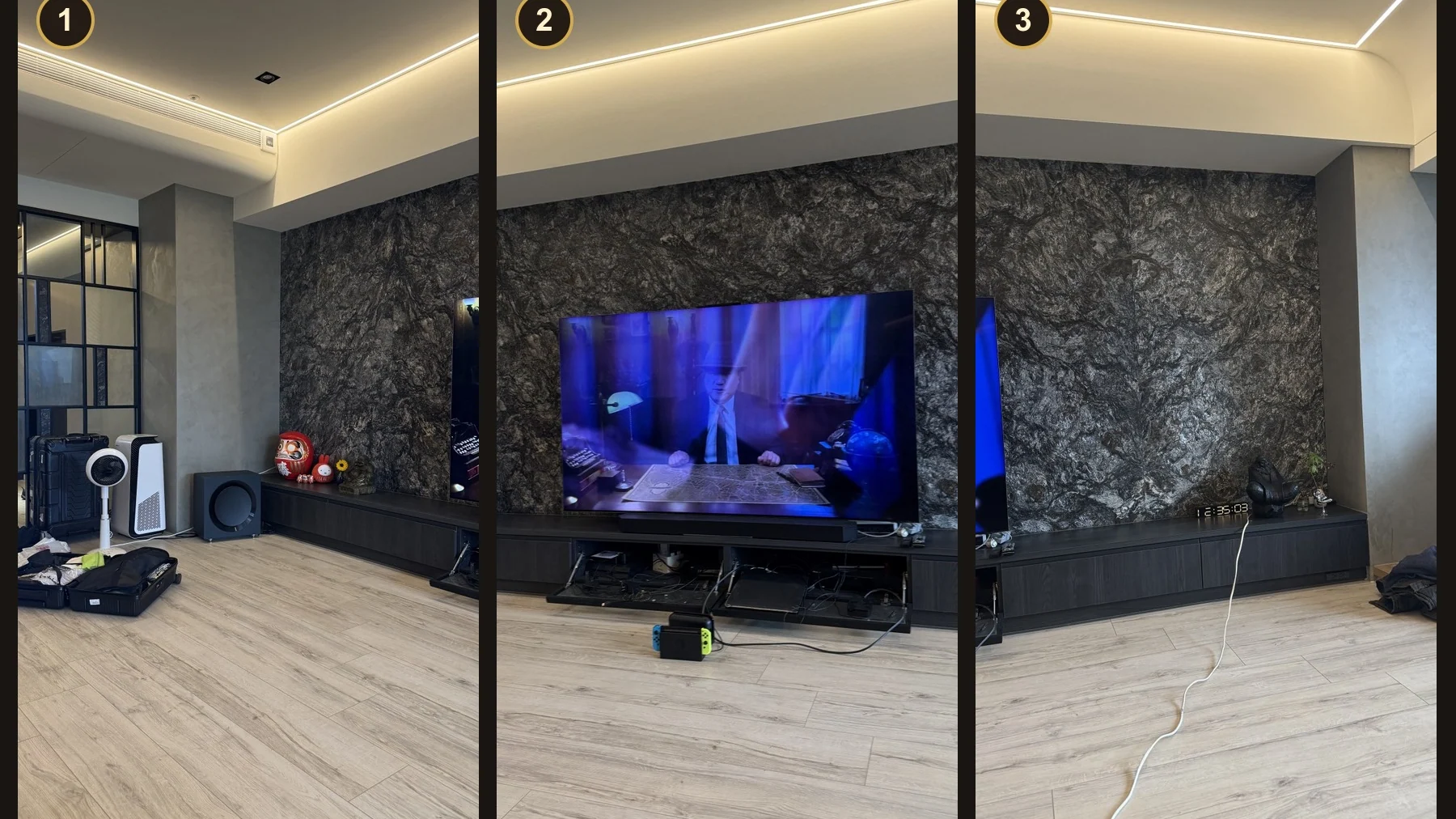
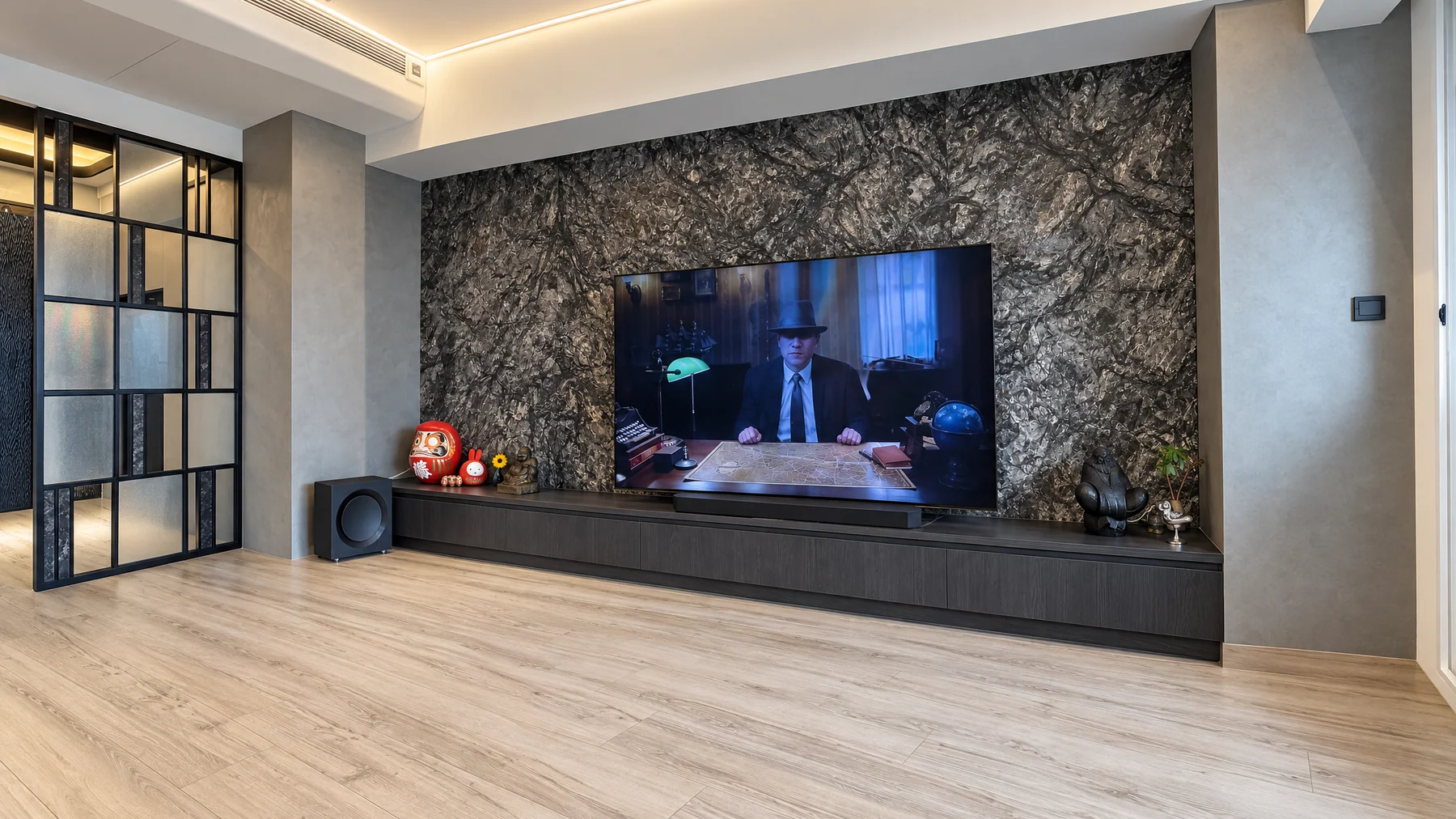 3 source photos
04 / Clutter Removal
Remove distractions, keep the room
In this hotel guest room sitting area, visible cables are removed and curtains are tidied while retaining the furniture and room layout.
Try it yourself
Specify temporary clutter to remove. Check that permanent fittings and useful room features remain visible.
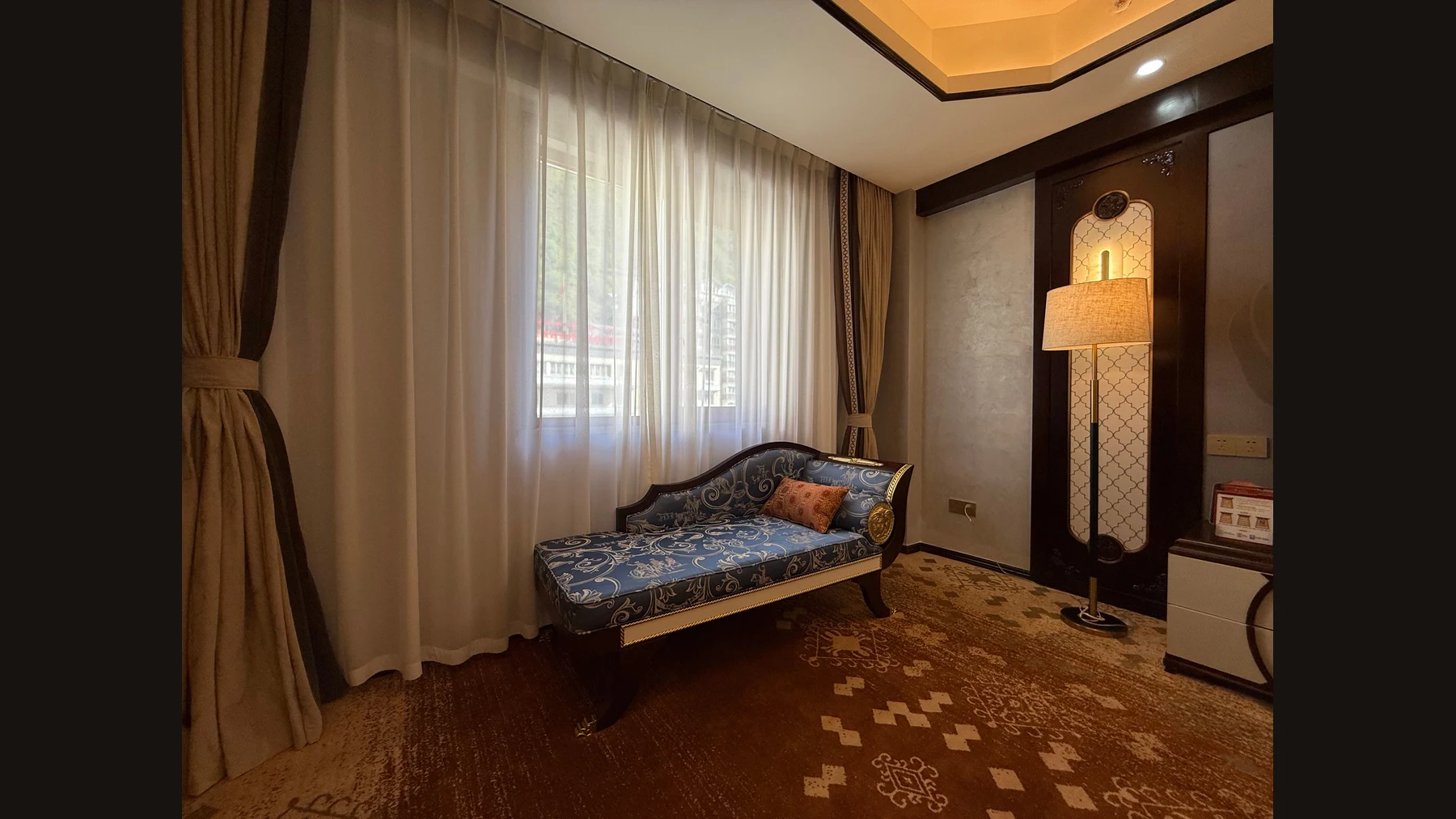
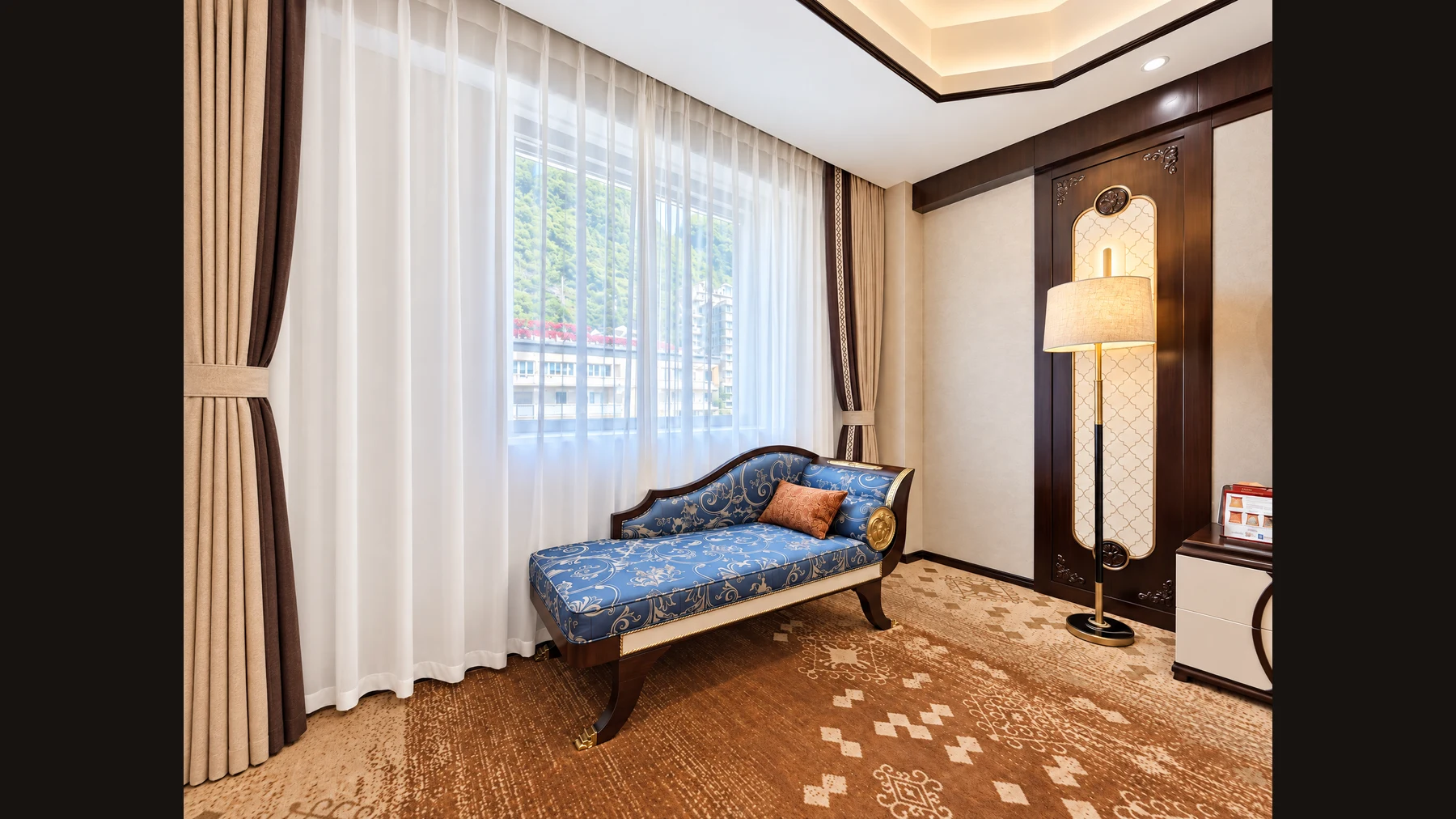 Original scene
05 / Color Correction
A fresh room, with balanced color
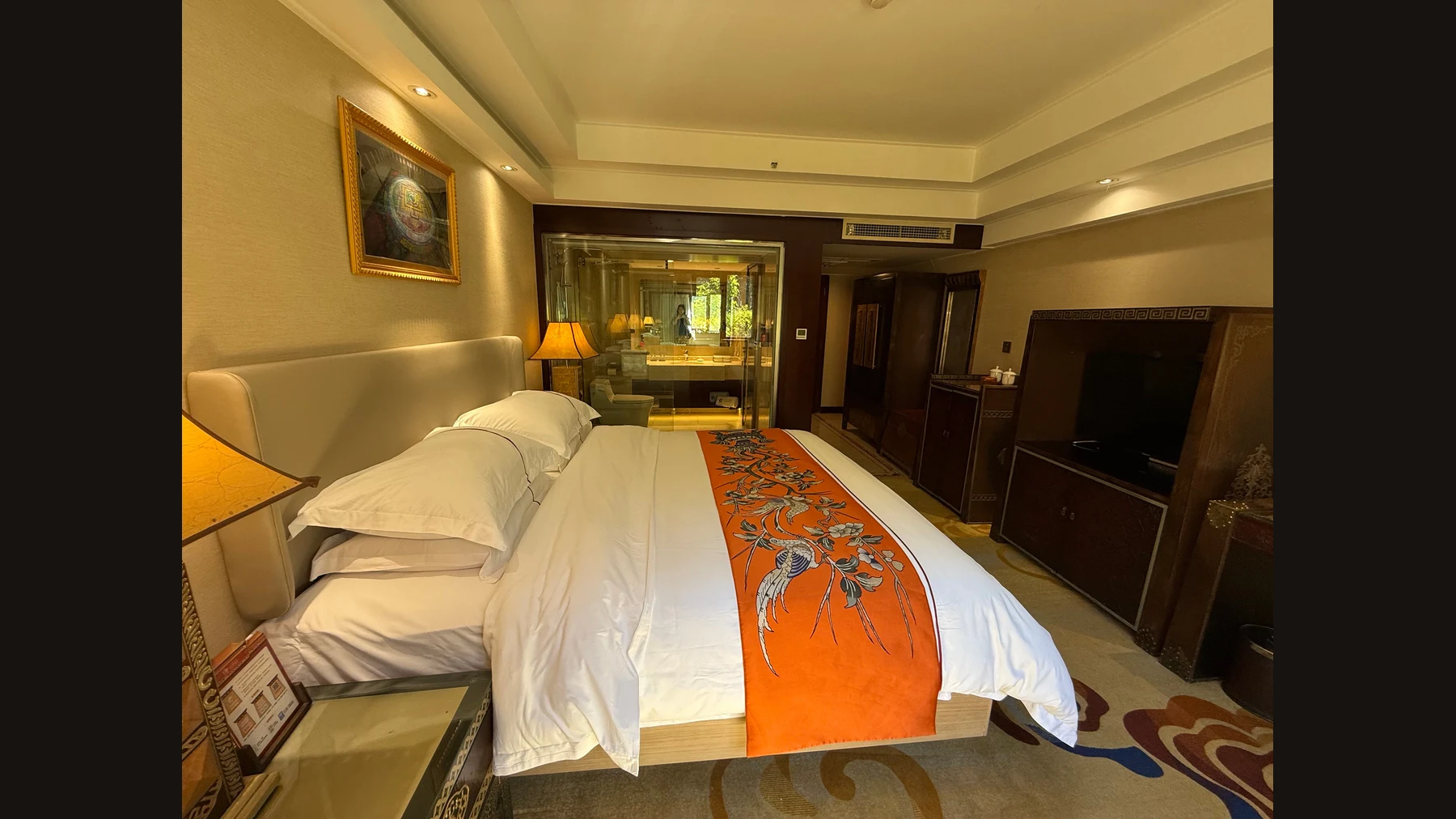
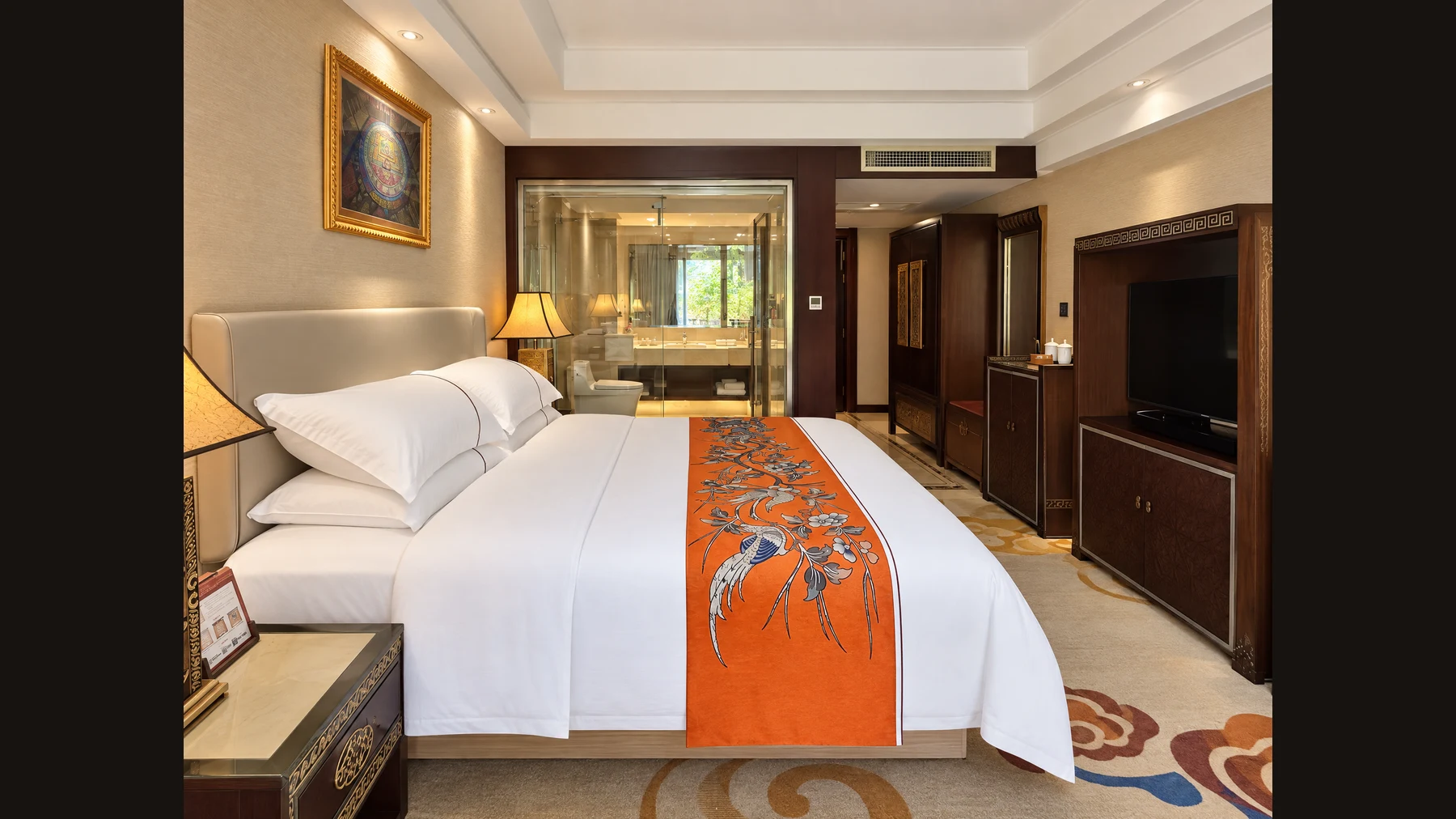
Warm lighting made the bedding and walls look yellow. This result restores more neutral whites while keeping the lamps warm.
Try it yourself
Describe the lighting you want to preserve. Review wall, fabric and wood colors together so the room still feels consistent.
 Color cast
06 / Bedding Retouch
Tidy bedding for a polished presentation
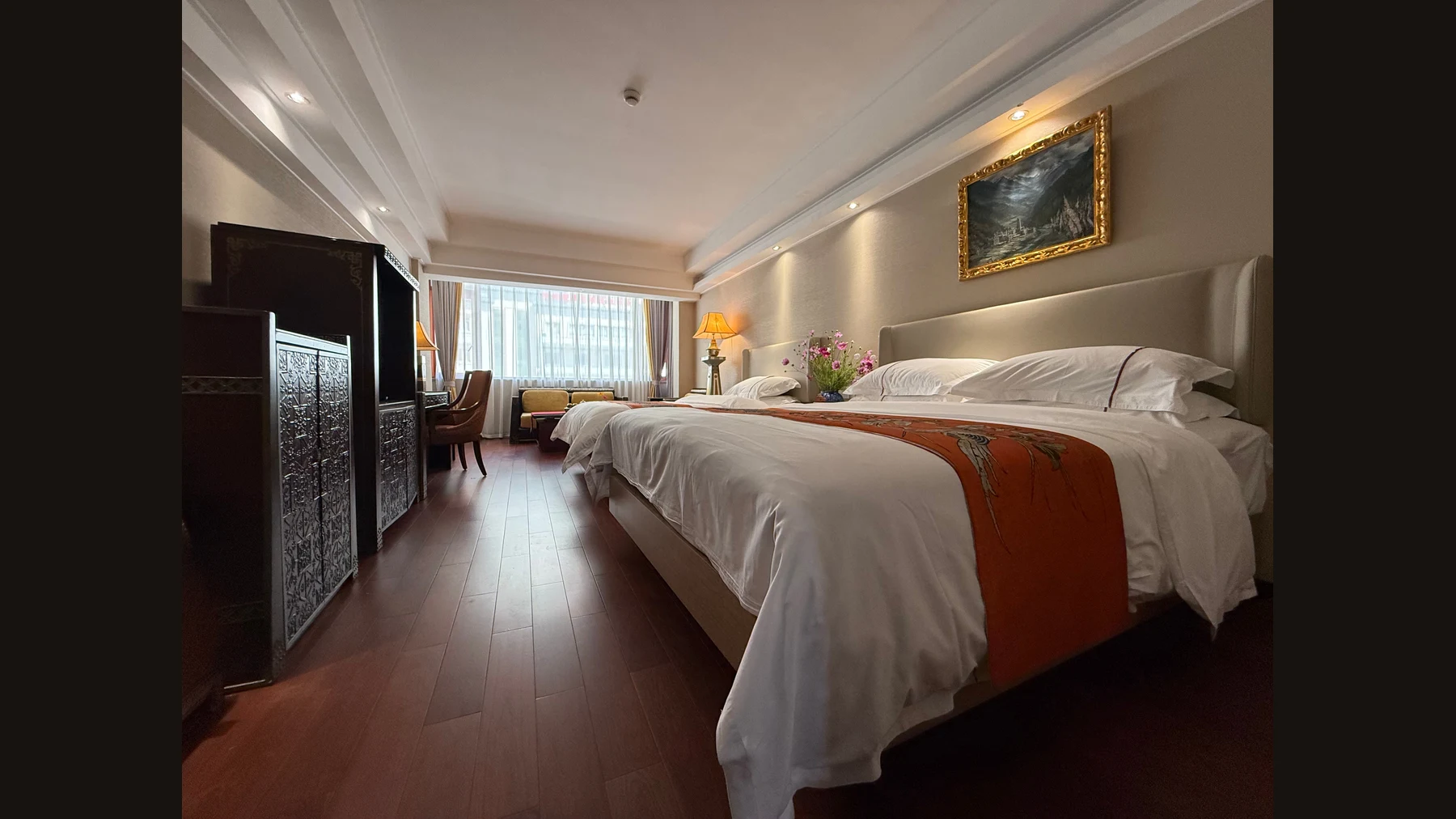
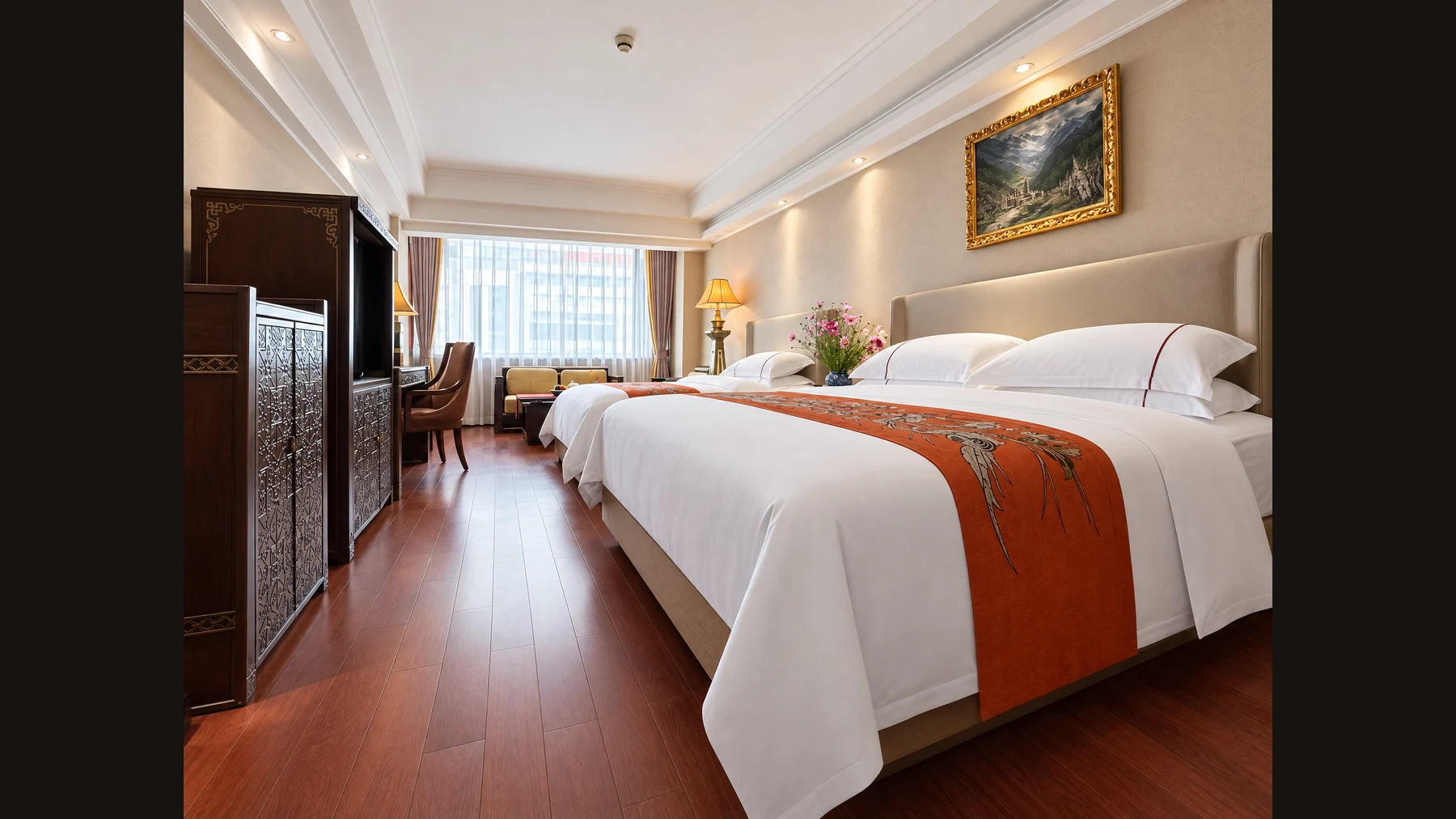
This room example smooths pronounced creases and tidies pillows and the bed runner while retaining the bed type and room furnishings.
Try it yourself
Ask for neat bedding with natural fabric texture. Check bed count, edges and patterns before using the image.
 Original bedding
07 / Small-space Stitching
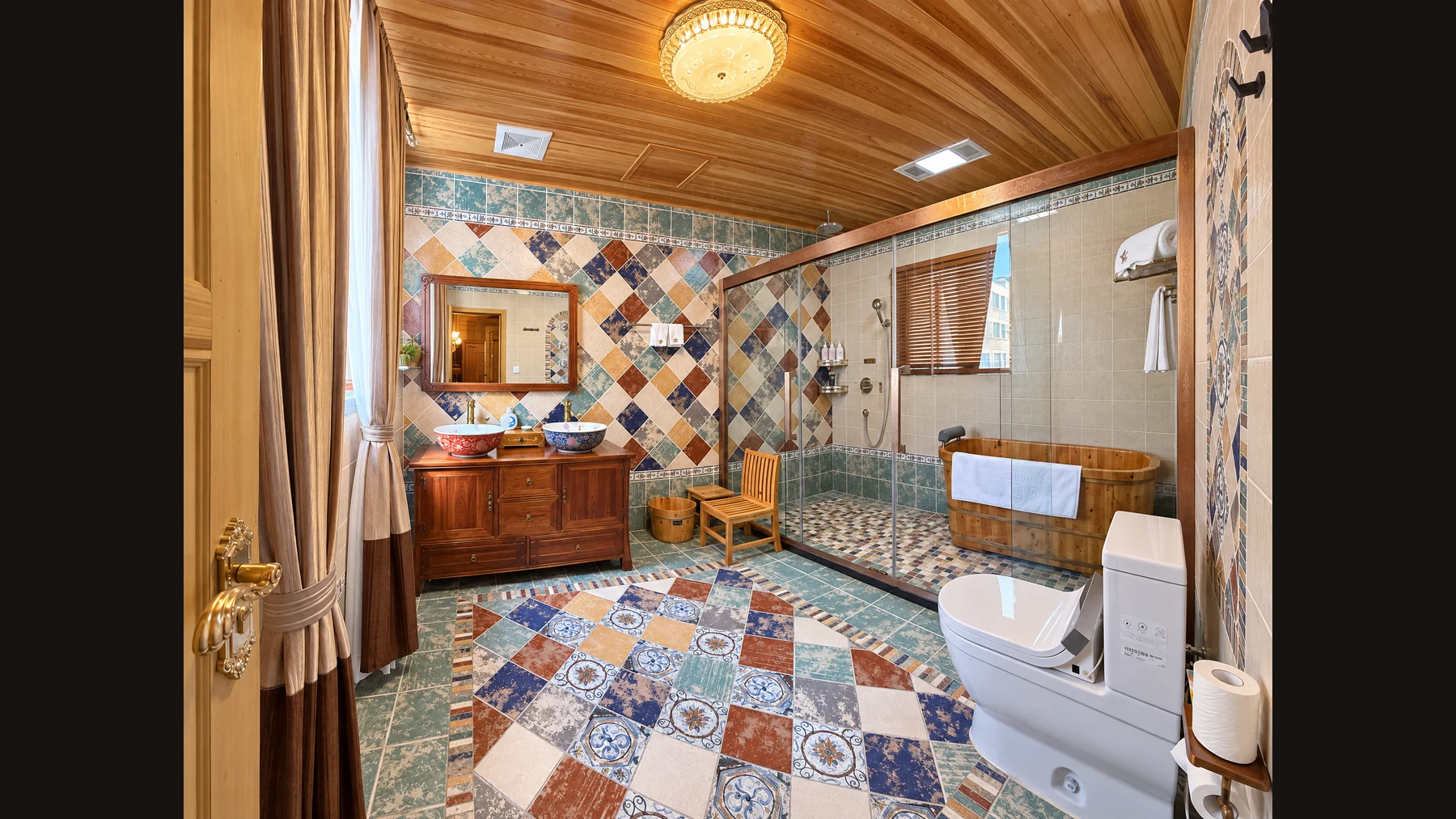
Show more of a compact bathroom
Two consecutive views combine the basin, shower, wooden bathtub and toilet into a wider view of this compact bathroom.
Try it yourself
Photograph overlapping views and keep their sequence. Carefully compare mirrors, fixtures and the position of each feature.
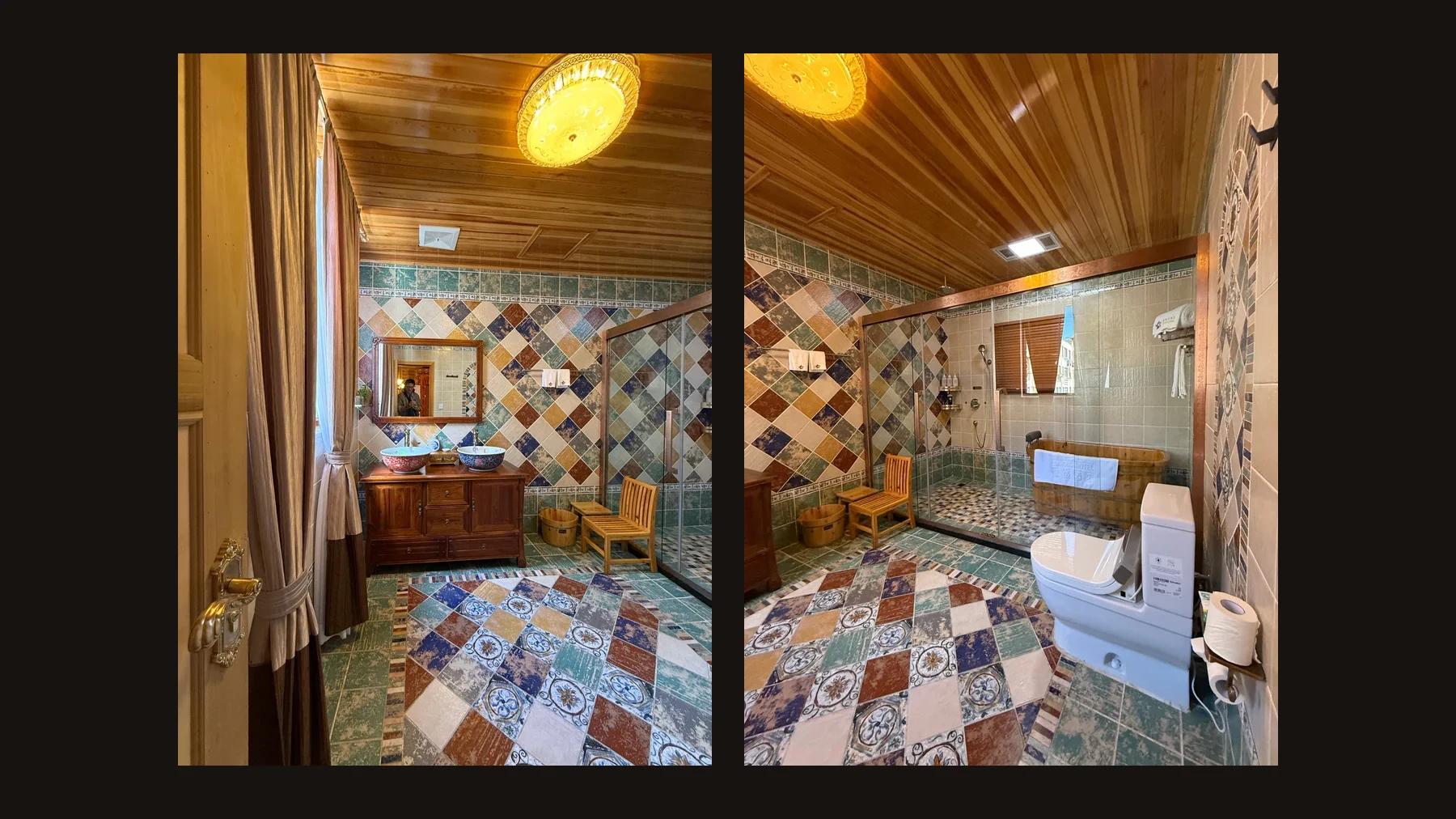
 2 source photos
Start with your phone photo!
Upload a room photo you took on your phone and start your AI retouch. Sign in to keep your work history and check your points. Review the result before using it.
Go to AI Workspace ›Back to top ↑